Figma
Use the official Chakra UI Figma Kit to design faster and stay in sync with your code.
The official Chakra UI v3 Figma Kit is now available!
This kit helps you design with the same building blocks that exist in code, making it easier for developers and designers to collaborate, stay consistent, and move faster.
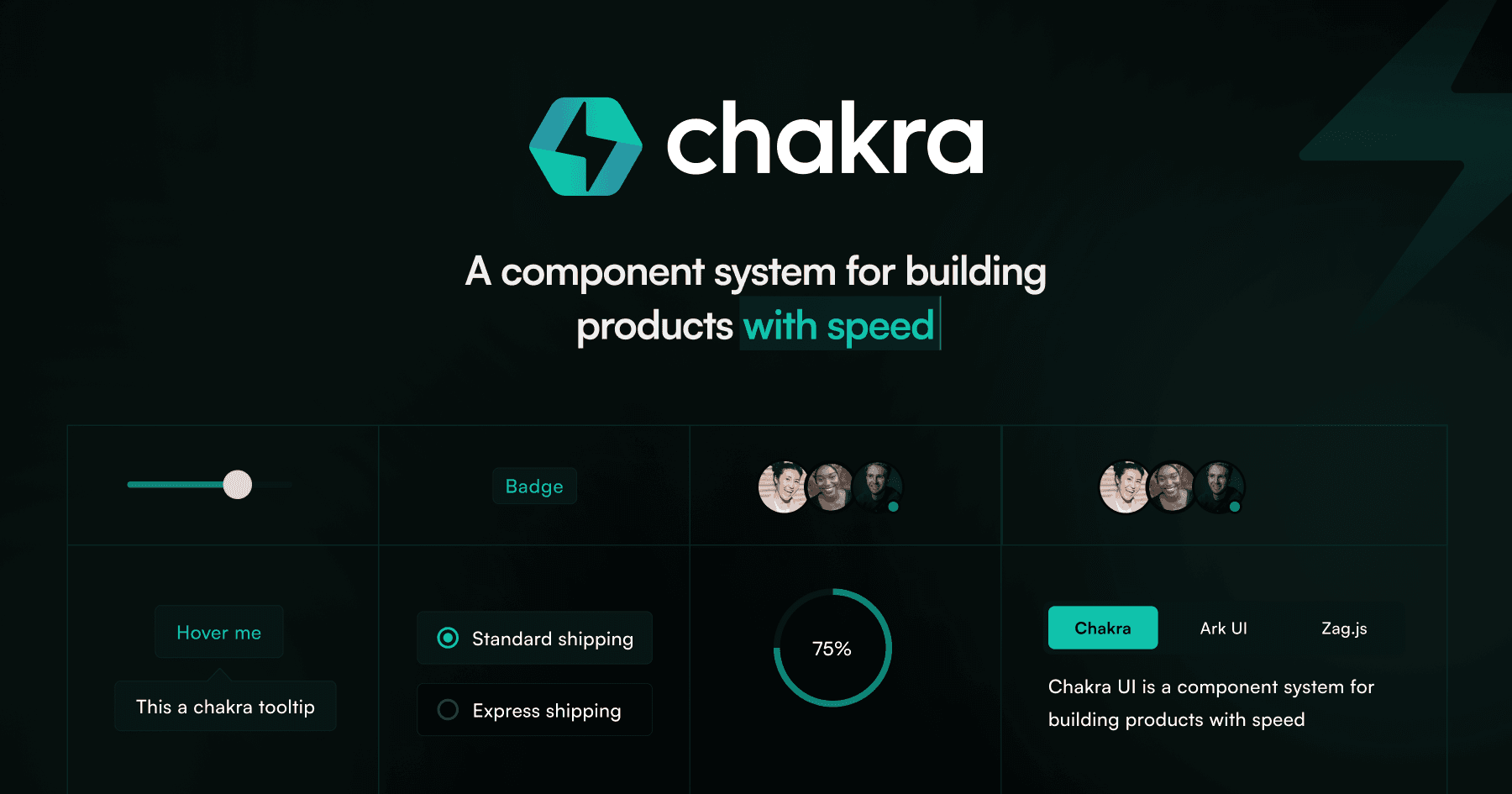
Get the Kit
You can access the kit for free on Figma Community:
Everything in the kit is designed to reflect how Chakra UI works, so your design decisions translate directly into production components.
Light and Dark Mode
The Figma kit includes both light and dark mode token sets out of the box.
To switch to dark mode tokens:
- Open the Chakra UI Figma Kit file
- Click on "Apply Variable Mode" from the Appearance panel (right sidebar)
- Navigate to "Color/Semantic Tokens"
- Select "Chakra/dark" to switch to the dark token set
Tip: You can swap between Chakra/Light and Chakra/Dark at any time
without rebuilding your designs — the semantic token layer handles the switch
automatically.